
Getting Clicks But No Sales on Shopify? 7 Product Page Leaks Killing Your Conversion Rate
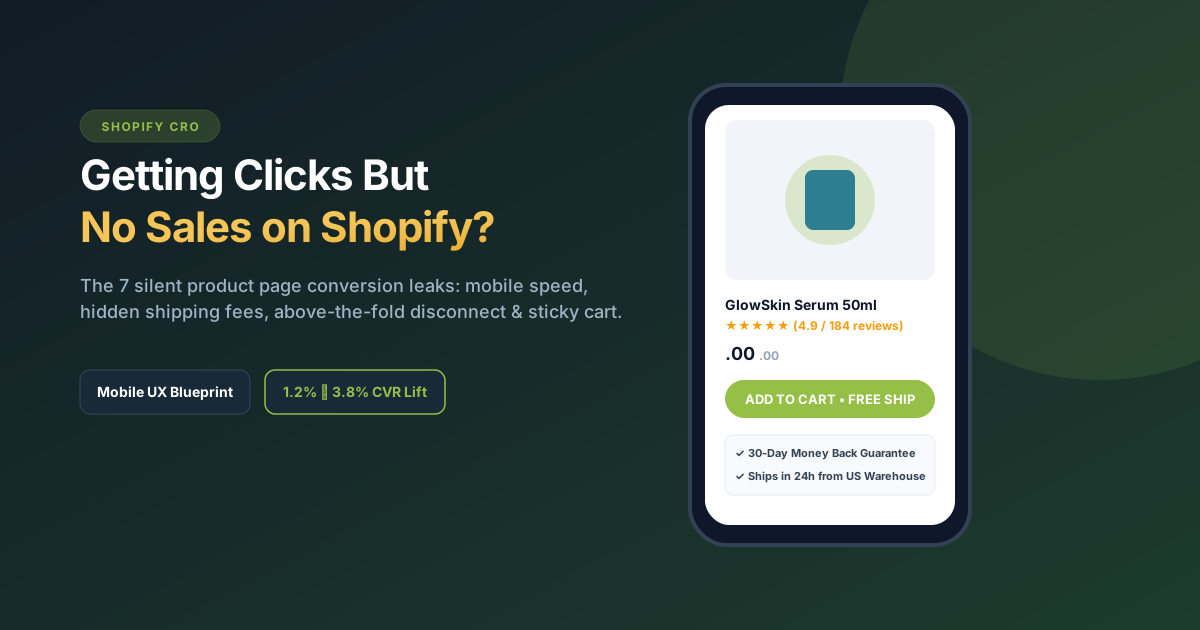
Quick Diagnosis: If your Meta, TikTok, or Google Ads are driving hundreds of clicks to your Shopify store but resulting in zero purchases, your traffic isn’t the problem—your product page is leaking shoppers before they reach checkout. The 7 primary leaks are: (1) Slow mobile loading speeds (over 3 seconds), (2) Unclear above-the-fold value proposition, (3) Lack of a mobile sticky “Add to Cart” button, (4) Cheap supplier mockups instead of high-res lifestyle visuals, (5) Hidden shipping costs revealed too late, (6) Fake or buried customer reviews, and (7) Friction-heavy checkout. Redesigning your product page around mobile UX typically lifts conversion rates from under 1% to 3.2%+.
Traffic problem vs. product page problem: Stop burning ad spend
When Shopify store founders experience a sales slump, their instinctive reaction is usually: “We need better ad creative” or “Our targeting on Meta is wrong.”
If your ads maintain an average Click-Through Rate (CTR) above 1.5% and your Cost Per Click (CPC) is reasonable, your ad campaigns are doing their job: delivering interested shoppers to your digital doorstep.
If 1,000 visitors land on your product page and 0 or only 2 people buy (a conversion rate below 0.3%), pumping more money into advertising is pouring water into a leaky bucket. Fixing the product page itself is the only way to achieve sustainable profitability.
The 7 silent conversion killers on Shopify product pages
1. Mobile Load Time Exceeding 3 Seconds
Every additional second of load time drops conversions by up to 20%. Shopify stores laden with uncompressed 8K banner files, 15 competing apps (spin-to-win wheels, currency converters, popup bars), and unoptimized tracking scripts lose over 40% of their mobile traffic before the hero image renders.
The Fix: Compress all product gallery images to WebP or optimized JPEG under 250 KB each, and delete unused Shopify app scripts from your theme code.
2. The Above-the-Fold Disconnect
When a shopper clicks an ad promoting a specific benefit (e.g., “Relieve neck tension in 10 minutes”), they expect to see that exact claim confirmed within 3 seconds of landing. If your mobile view shows only an enormous, uncropped photo and pushes the title, price, star rating, and button off-screen, shoppers bounce immediately.
The Fix: Ensure your product title, star rating count, discounted price, and “Add to Cart” button are visible on mobile without excessive scrolling.
3. Missing Sticky “Add to Cart” on Mobile
Over 80% of D2C purchases happen on smartphones. As shoppers scroll down to read specifications, ingredient lists, and FAQs, the primary buy button disappears. If they have to scroll 4 screen lengths back to the top just to buy, conversion drop-off spikes.
The Fix: Implement a clean, native sticky buy bar that appears at the bottom of the screen once the primary button scrolls out of view.
4. Generic AliExpress Mockups vs. Custom Branded Imagery
Today’s online shoppers are hyper-vigilant. If your product images look like flat white-background supplier stock photos or poorly photoshopped AI models, shoppers assume your store is an untrustworthy dropshipping site with 4-week shipping times.
The Fix: Invest in bespoke Shopify Product Page Design featuring 3D renders, lifestyle infographics, and unboxing shots that look like a world-class retail brand.
5. Hidden Shipping Fees Revealed at Checkout
According to Baymard Institute, the #1 reason for cart abandonment worldwide (48% of shoppers) is unexpected extra costs at checkout (shipping fees, taxes, or handling charges).
The Fix: State shipping terms directly beneath the Add to Cart button (e.g., “Free Tracked 2-Day Shipping on orders over ”). Never surprise buyers at the final payment step.
6. Lack of Verified Social Proof
A star rating with “5.0 (3 reviews)” where all reviews say “Great product!” without photos or customer details screams fake. Shoppers want to see real customers, customer photo reviews, and specific feedback addressing product durability or fit.
7. Weak Guarantees and Purchase Hesitation
If buying from an unfamiliar direct-to-consumer brand, the customer asks: “What if it doesn’t fit? What if I hate it? Will I have to fight for a refund?”
The Fix: Prominently display a risk-reversal badge: “30-Day Money-Back Guarantee, Zero Questions Asked” directly in the product form.
| Feature | Failing Store (~0.8% CVR) | Optimized Studio Store (~3.5% CVR) |
|---|---|---|
| Visual Assets | Flat supplier photos & blurry renders | Custom lifestyle graphics, 3D exploded views, video demos |
| Mobile Layout | Huge uncropped image; button pushed off-screen | Compact gallery, tight hierarchy, sticky buy bar |
| Value Proposition | Paragraph of generic technical specs | Benefit-driven bullet points answering buyer objections |
| Trust & Friction | Hidden shipping cost, buried return policy | Free shipping threshold displayed, 30-day guarantee badge |
| Mobile Speed | 4.5s+ (cluttered with 12 apps) | Under 2.2s (clean native liquid code) |
The ideal mobile product page anatomy
A high-converting product page follows a proven visual hierarchy:
- Breadcrumbs & Eyebrow: Shows category and establishes product legitimacy.
- Product Title & Review Star Summary: Clean H1 with clickable link jumping to reviews.
- High-Resolution Gallery Carousel: Square (1:1) or vertical (4:5) image aspect ratio with swipe dots and zoom.
- Price, Discounts & Payment Options: Clear strike-through pricing and installment options (Shop Pay, Klarna).
- Variant Selectors: Pill-style buttons for size and color rather than cumbersome dropdown menus.
- Primary CTA & Micro-Trust Copy: Full-width, high-contrast button accompanied by security badges and delivery timeline.
- Tabbed Information or Accordions: Clean collapsible sections for How to Use, Ingredients/Specs, and Shipping & Returns.
The 24-hour CRO diagnostic checklist
Before launching your next ad campaign:
- Test your product page on a real smartphone over 4G cellular data (not fast studio Wi-Fi).
- Check heatmaps and screen recordings via Microsoft Clarity or Hotjar to see where mobile visitors stop scrolling.
- Verify that your Add to Cart and Checkout flow works seamlessly across Apple Pay and Google Pay.
- Review your product page design against our dedicated Shopify Product Page Design Framework.
Want an expert review of your Shopify product page?
Send us your store URL. Founder ABS Jony will record a free 5-minute video audit highlighting the exact mobile UX leaks costing you sales.
Frequently Asked Questions
What is an average conversion rate for a Shopify store?
The cross-industry median conversion rate for Shopify stores is approximately 1.4% to 1.8%. High-performing direct-to-consumer brands with custom-designed product pages and strong mobile UX regularly achieve conversion rates between 3.0% and 4.5%.
Why do I get clicks on Facebook ads but no purchases on Shopify?
When ad CTR is healthy but conversion rate is near zero, the issue is almost always landing page friction. Common causes include slow load times, a disconnect between the ad hook and the page headline, lack of trust badges, or hidden shipping fees revealed at checkout.
How important is page speed for Shopify conversion rates?
Page speed is paramount. Over 70% of shoppers abandon carts on slow mobile pages. Improving mobile load times from 4 seconds down to 2 seconds typically delivers an immediate 15% to 25% lift in completed transactions.
Should I use a sticky Add to Cart button on mobile?
Yes. A sticky Add to Cart bar keeps the primary call-to-action permanently accessible as shoppers scroll through product details, reviews, and FAQs, eliminating friction and boosting conversions by 8% to 14%.
Related guides: Learn about our full Shopify Product Page Design Service, explore our eCommerce PPC Management, or view our Transparent Pricing.